
AI Tools for Designers: Must-Try Picks for 2025
🌟 The Impact of AI on Design
AI has transformed the design landscape by providing tools that enhance both efficiency and creativity. For example, designers can now utilise AI algorithms to analyze user preferences and tailor designs accordingly. This not only saves time but also ensures that the end product resonates with its intended audience.
In addition, AI tools can assist in creating prototypes that are more aligned with user expectations, allowing for faster iterations and improved client feedback. The ability to simulate real-world scenarios through AI-driven analytics can lead to more informed design choices.
🌟 Introduction
The world of design is evolving faster than ever — and Artificial Intelligence (AI) is leading the change. From automating repetitive tasks to generating stunning visuals in seconds, AI tools for designers are empowering designers to focus more on creativity and less on execution.
🌟 Future Trends in AI for Design
As we look ahead to 2025, several trends are emerging in the field of AI tools for designers. One major trend is the integration of augmented reality (AR) and virtual reality (VR) in design processes. These technologies will enable designers to create immersive experiences that allow clients to visualise concepts before they are fully realized.
Moreover, AI will continue to evolve, offering more personalized design solutions that adapt to individual user styles and preferences. Predictive analytics will allow designers to anticipate market trends and customer behaviors, informing their design strategies.
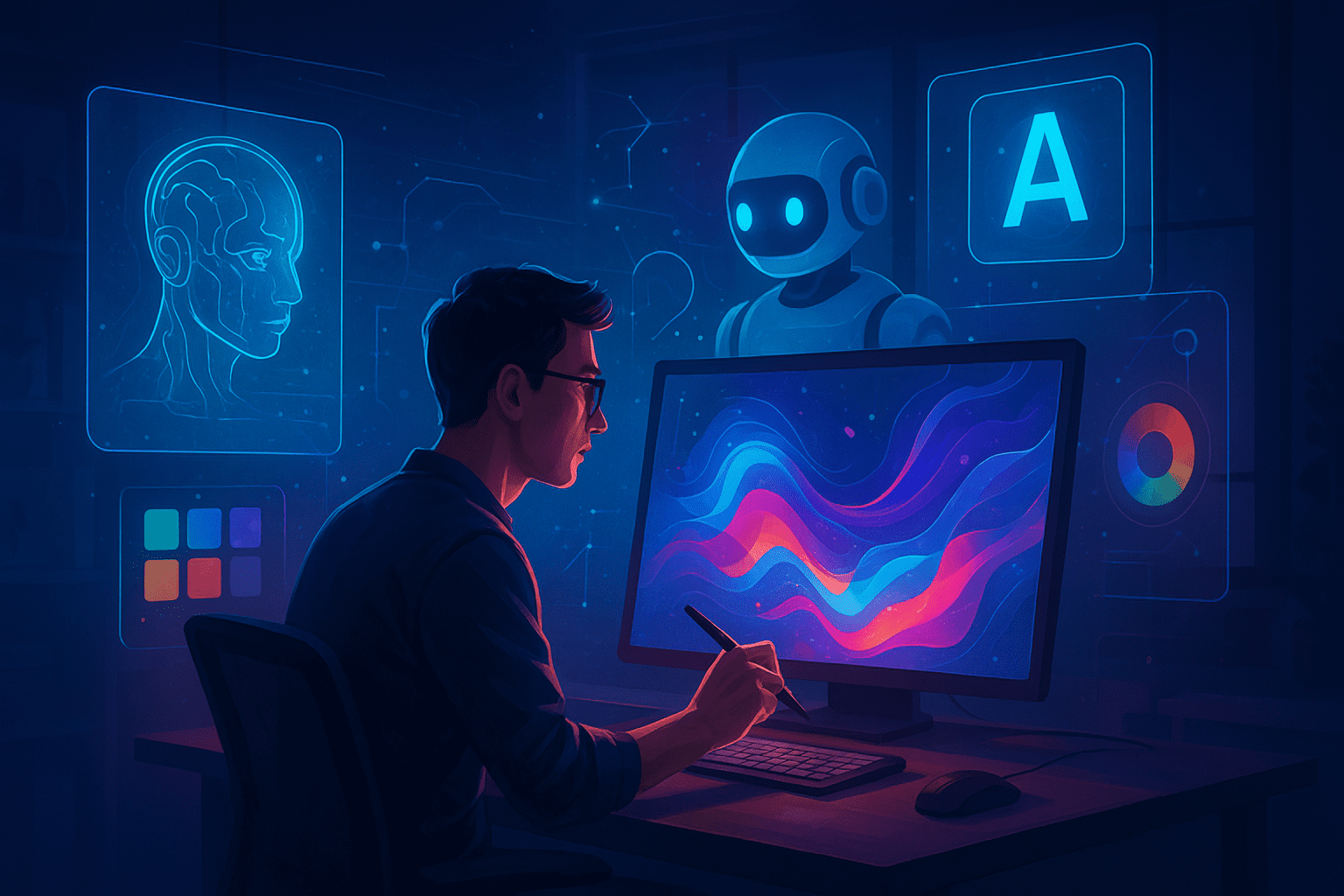
If you’re a graphic designer, content creator, or marketer, here are the top AI tools for designers you should try in 2025 to boost your workflow, creativity, and productivity.
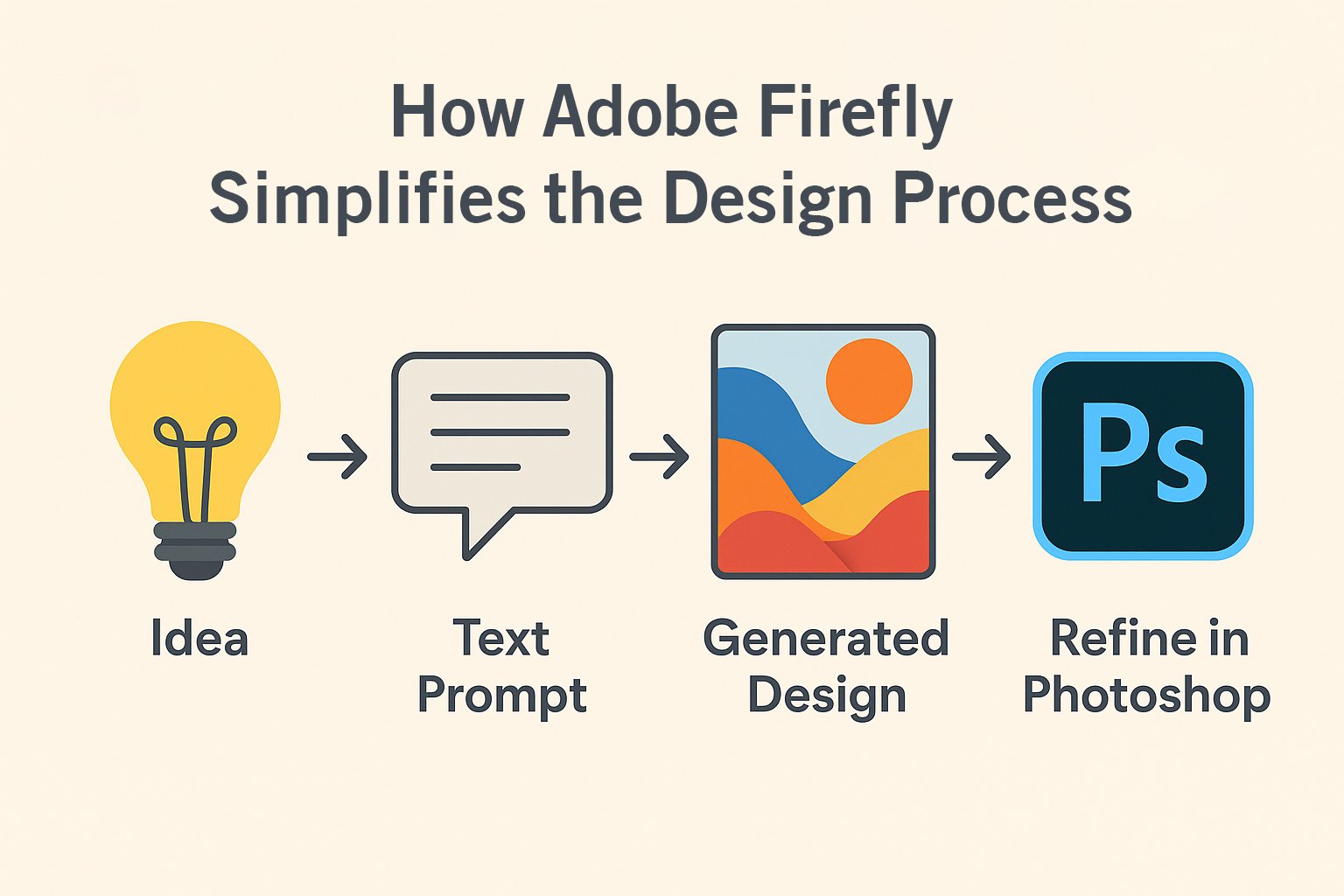
🎨 1. Adobe Firefly – AI for Creative Design
Use it for: Image generation, text-to-design, color palette suggestions
Why designers love it:
- Create custom visuals from text prompts
- Integrates with Photoshop and Illustrator
- Generates realistic textures, patterns, and backgrounds
→ Learn more at Adobe Firefly (https://www.adobe.com/sensei/generative-ai/firefly.html)
Creative design services for my Graphic Design Services page
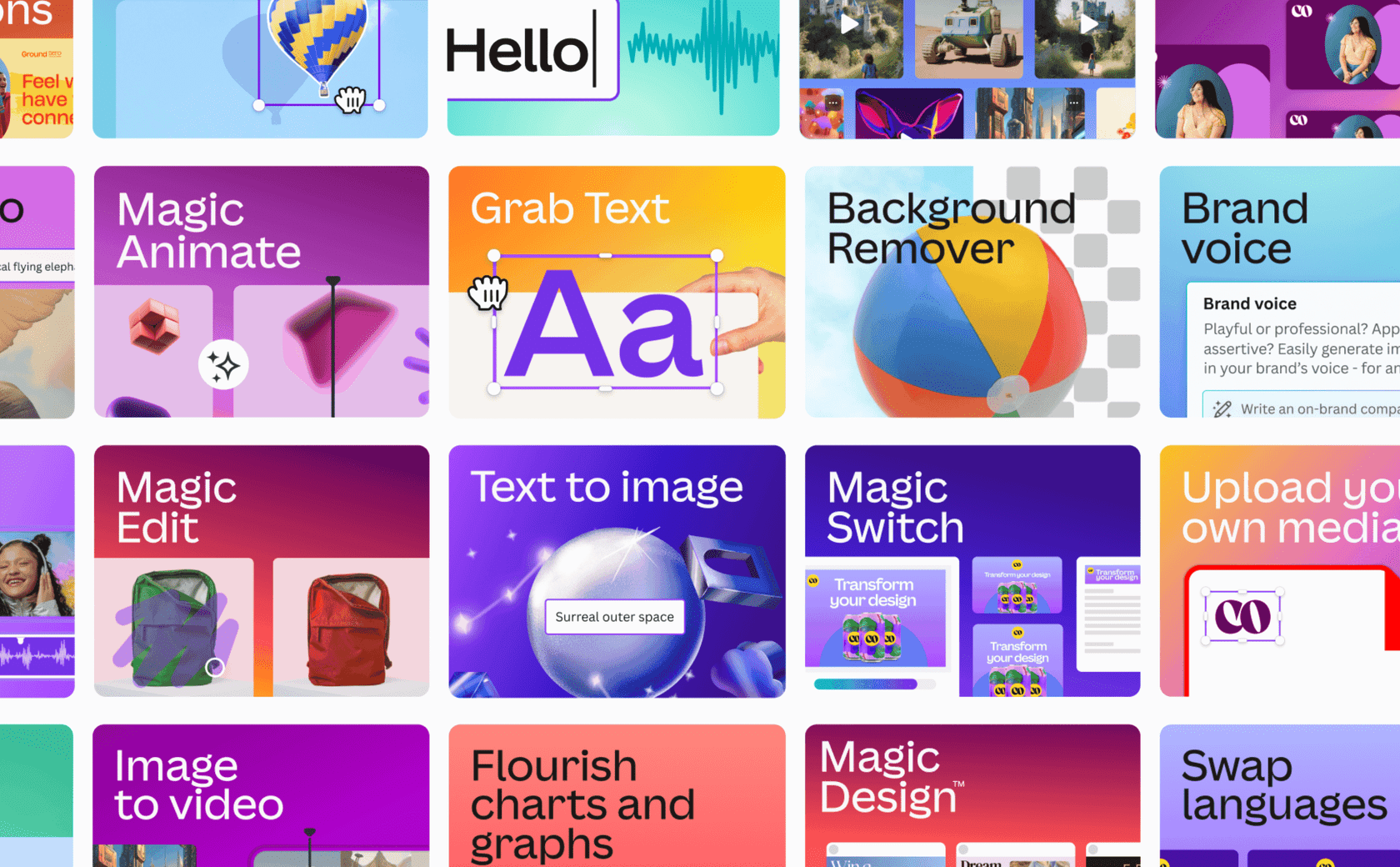
🤖 2. Canva Magic Studio – Smart Design Assistant
Use it for: Quick designs, brand kits, AI-powered templates
Key Features:
- “Magic Write” for generating copy instantly
- AI resizing & layout suggestions
- One-click background removal
→ Try Canva Magic Studio (https://www.canva.com/magic-studio/)
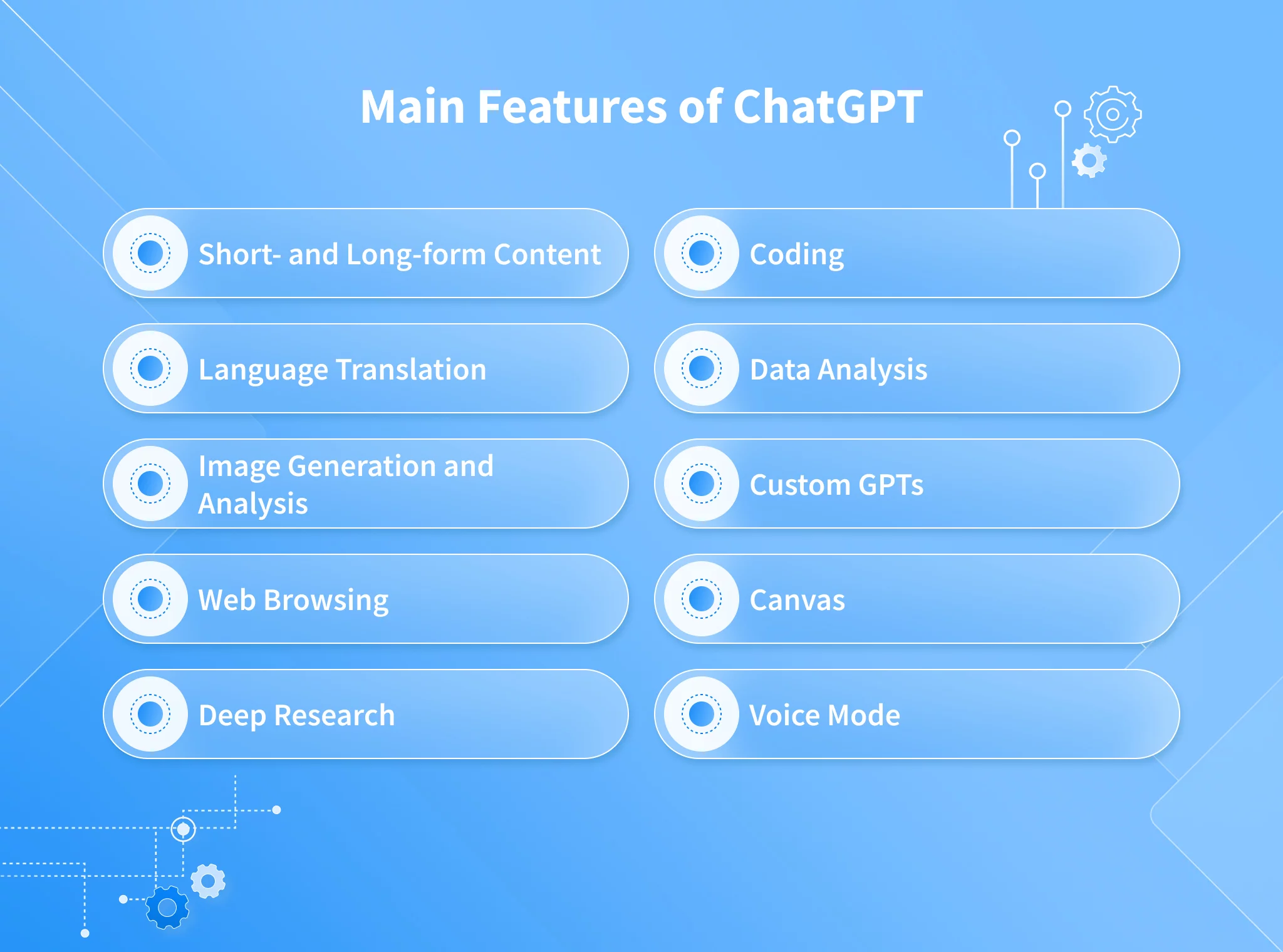
💬 3. ChatGPT (with DALL·E Integration) – Idea & Visual Generation
Use it for: Brainstorming design ideas, creating mood boards, generating visuals
Why it’s useful:
- Generate creative prompts and color ideas
- Write design descriptions, captions, or client briefs
- Visualize concepts before actual design
Connect this section to my Content Strategy page
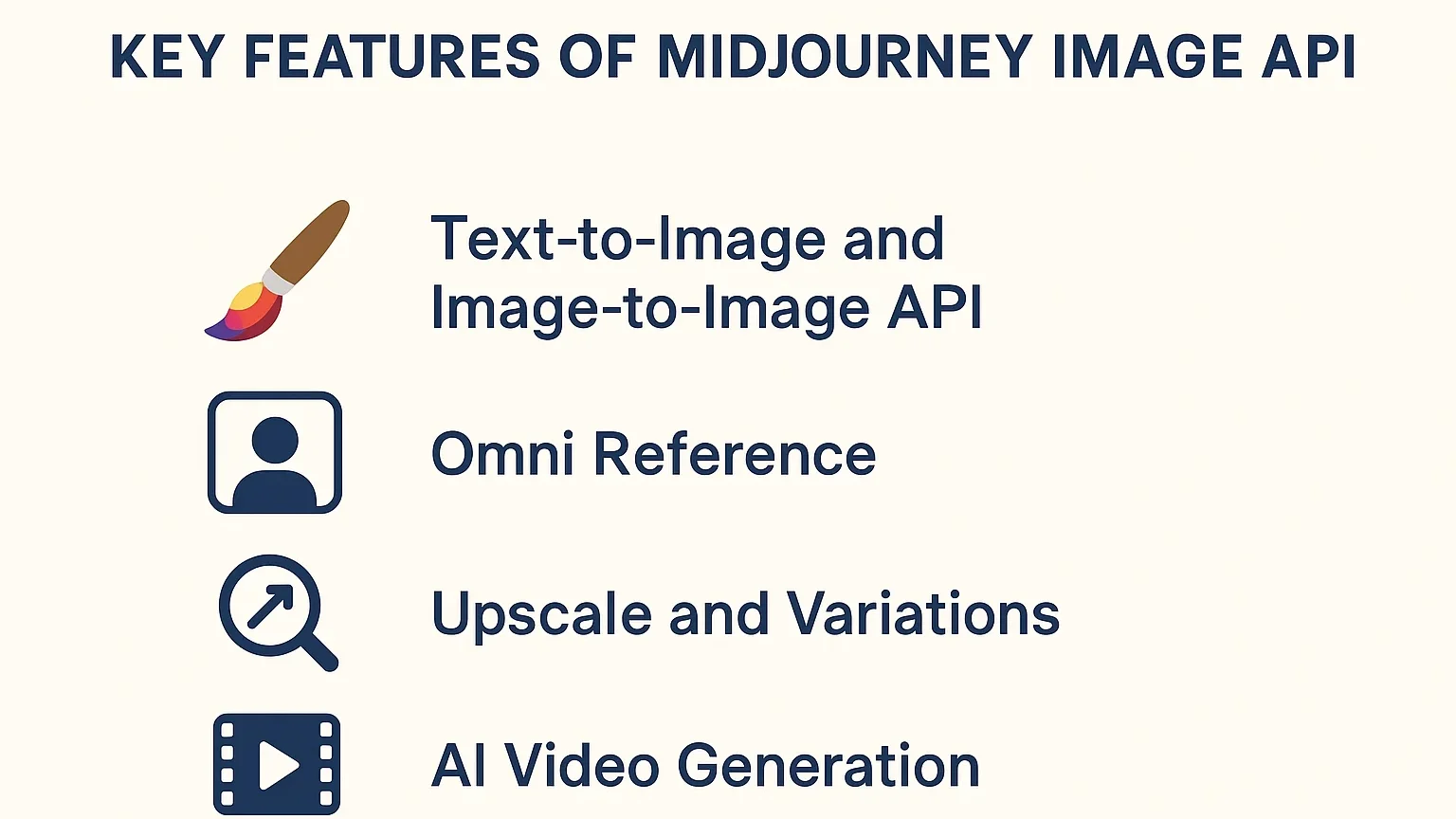
🧩 4. Midjourney – AI Art for Visual Exploration
Use it for: Concept art, branding moodboards, surreal visuals
Why try it:
- Creates visually rich, artistic concepts
- Perfect for brand inspiration and presentations
- Highly detailed rendering and aesthetics
→ Explore Midjourney (https://www.midjourney.com/)
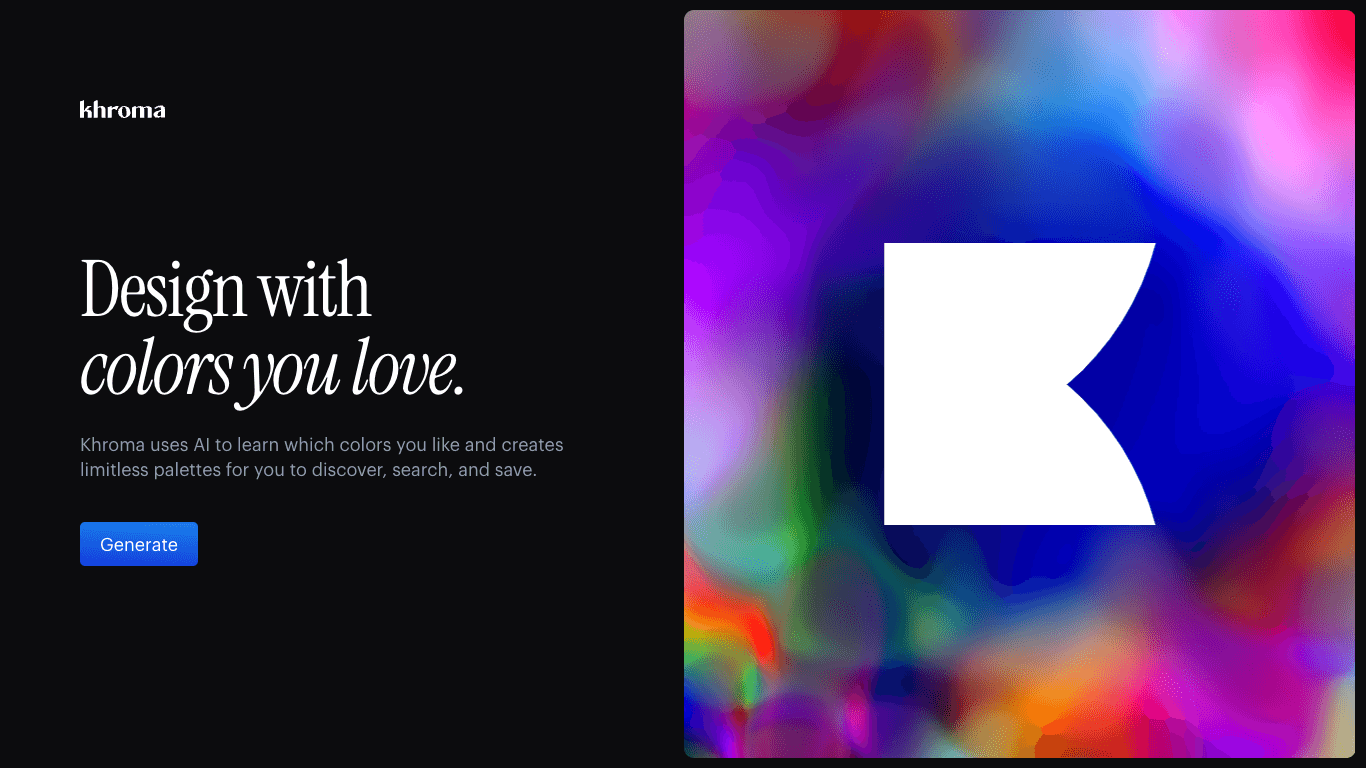
🪄 5. Khroma – AI Color Palette Generator
Use it for: Finding the perfect color combinations for brand or UI design
Why designers use it:
- Learns your color preferences
- Suggests palettes that match your style
- Ideal for consistent brand visuals
🧠 6. Runway ML – Video & Motion Design AI
Use it for: Editing videos, motion graphics, removing backgrounds
Highlights:
- Turn text into video scenes
- Clean up footage automatically
- Create motion graphics faster
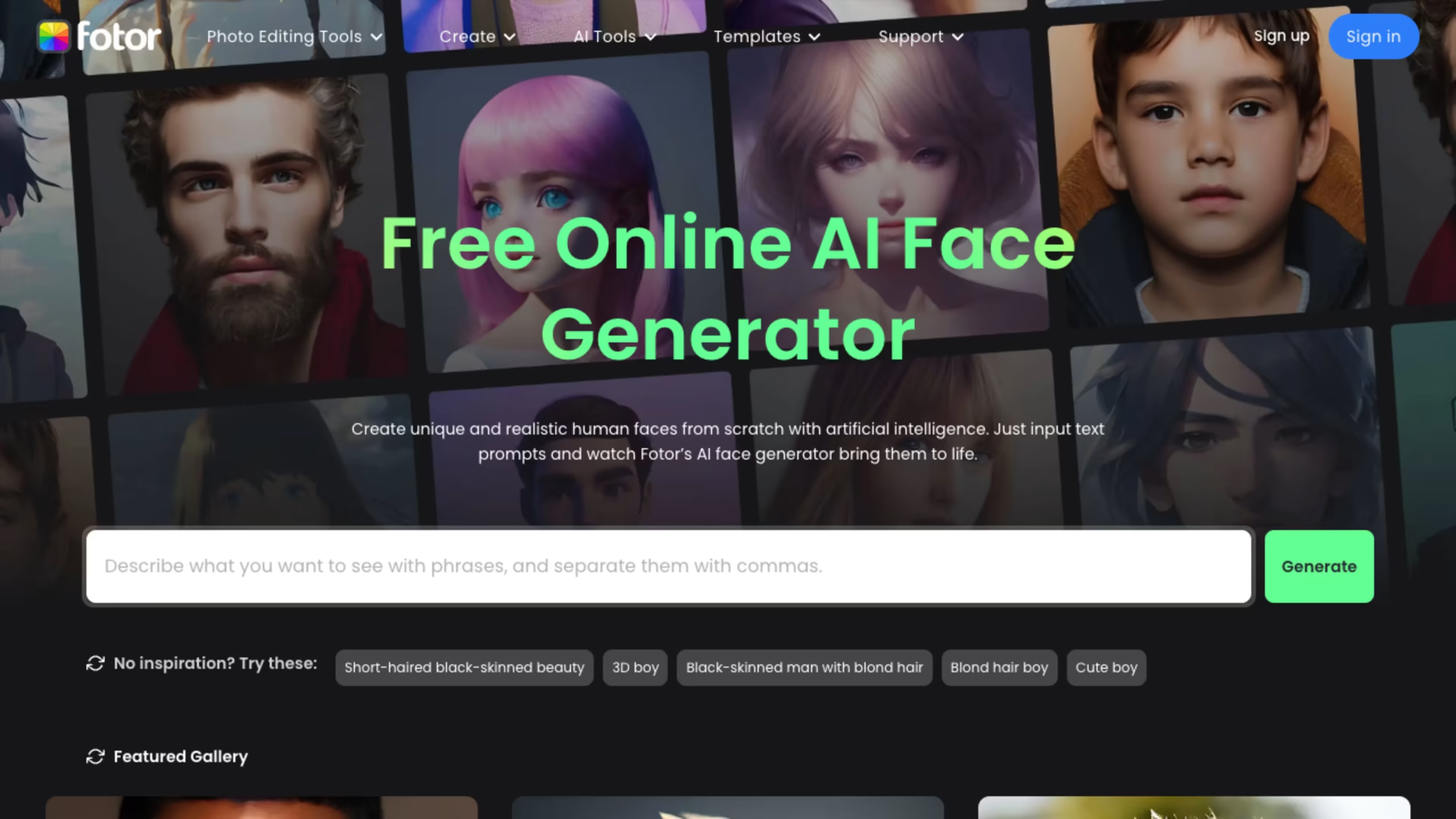
⚙️ 7. Fotor AI & VanceAI – Image Enhancement Tools
Use them for: Upscaling, background removal, retouching
Benefits:
- Enhance low-resolution images
- Add filters and retouch portraits
- Perfect for marketing creatives and presentations
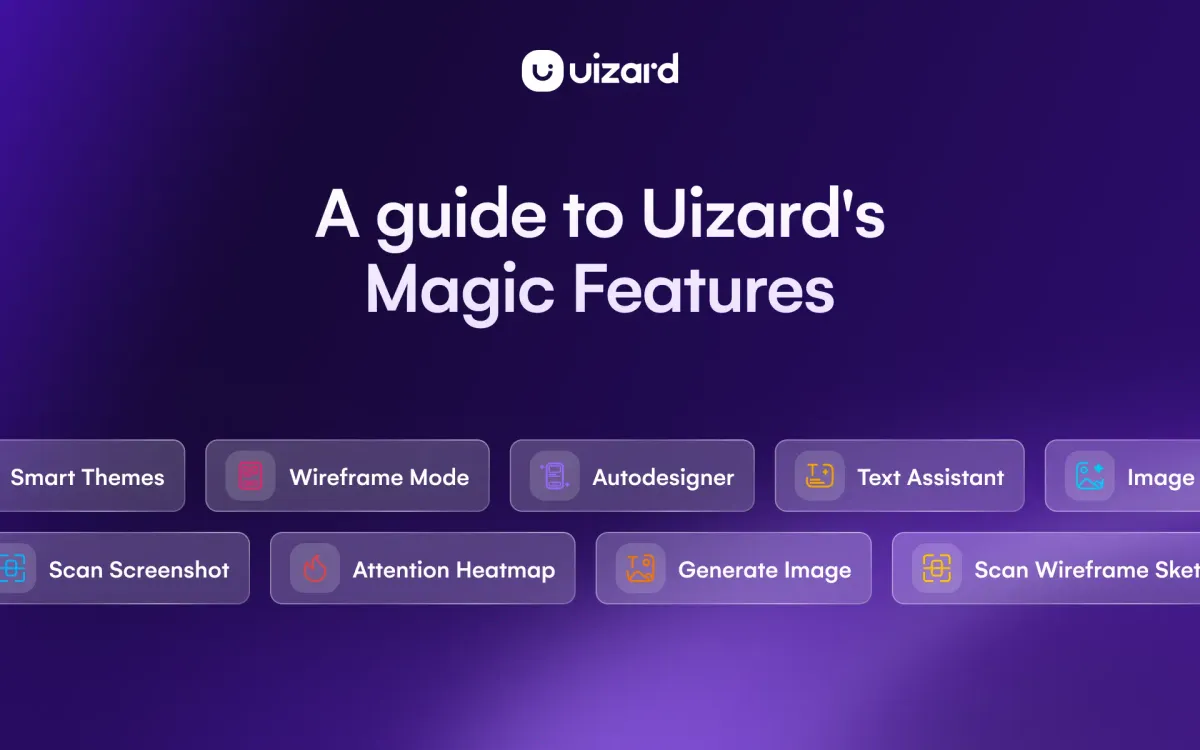
💡 8. Uizard – Design UI Prototypes Instantly
Use it for: Turning sketches into digital prototypes
Why it’s amazing:
- Converts wireframes into working layouts
- Ideal for web & app designers
- Speeds up client mockup delivery
Link to your Website Design Services page.
🚀 Conclusion
AI isn’t replacing designers — it’s enhancing creativity and speeding up production. By combining these AI tools with your creative skills, you can deliver exceptional designs faster, smarter, and with greater impact.
✨ Start experimenting today and stay ahead in the evolving world of AI-powered design.
📞 Call to Action
Ready to elevate your brand visuals?
👉 Explore our Graphic Design Services or Content Strategy Solutions to see how Visual Rank Digital can transform your creative presence.