
How to Improve Website Speed Without Coding (2025 Guide)
💡 Introduction
The speed of your website isn’t just about performance — it’s about user experience and SEO ranking. A slow site can drive visitors away and lower your Google visibility. But here’s the good news: you don’t need to know coding to make your site lightning fast!

In this guide, we’ll show you the easiest, most effective no-code ways to improve website speed — step-by-step.
⚙️ Why Website Speed Matters
Before optimizing, let’s understand why speed is critical:
- 53% of users leave if a page takes more than 3 seconds to load.
- Fast websites rank higher on Google’s Core Web Vitals.
- Speed improves conversion rates and reduces bounce rate.
👉 Learn more on our SEO Services page about how speed affects your rankings.
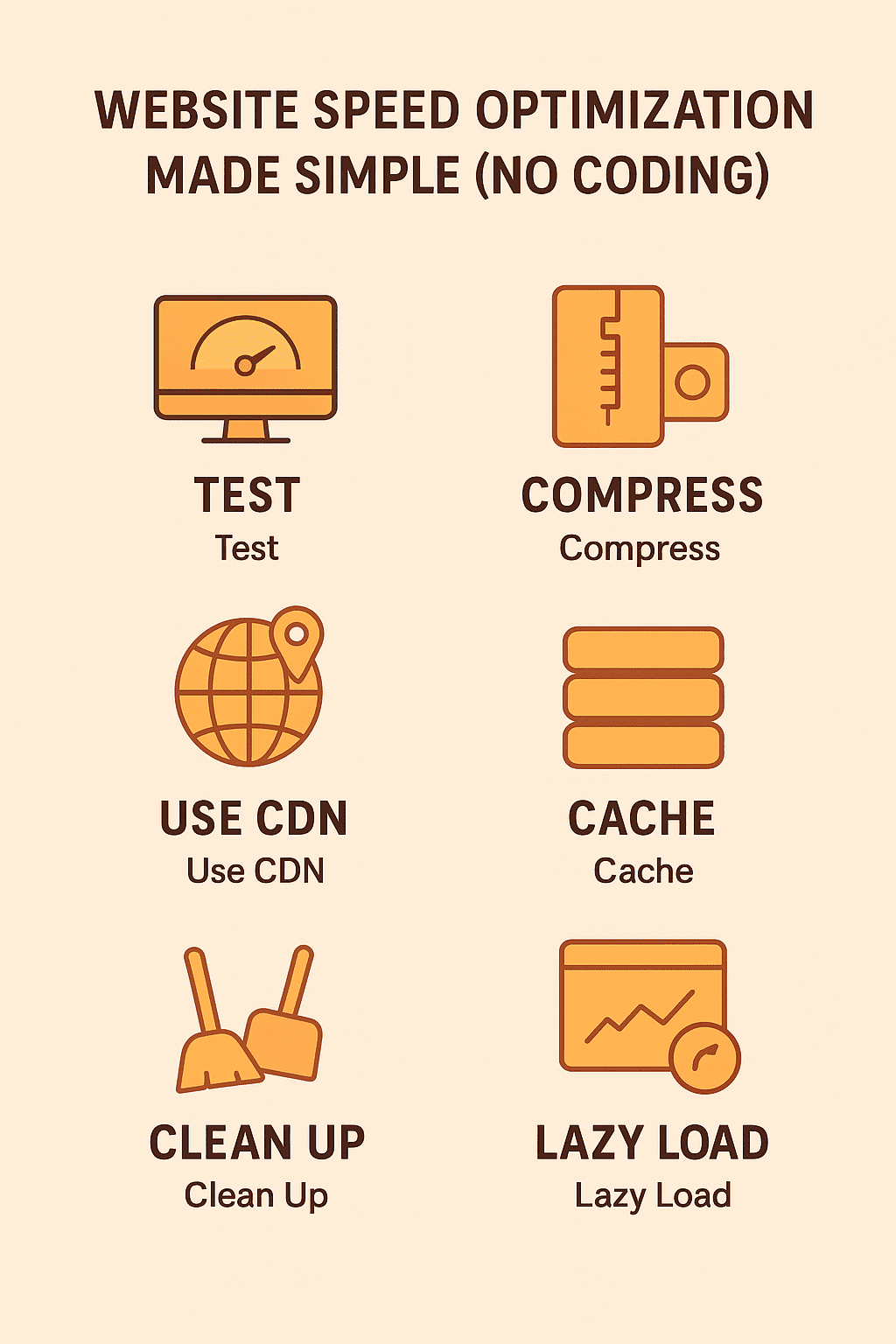
🧩 Step-by-Step: Improve Website Speed Without Coding
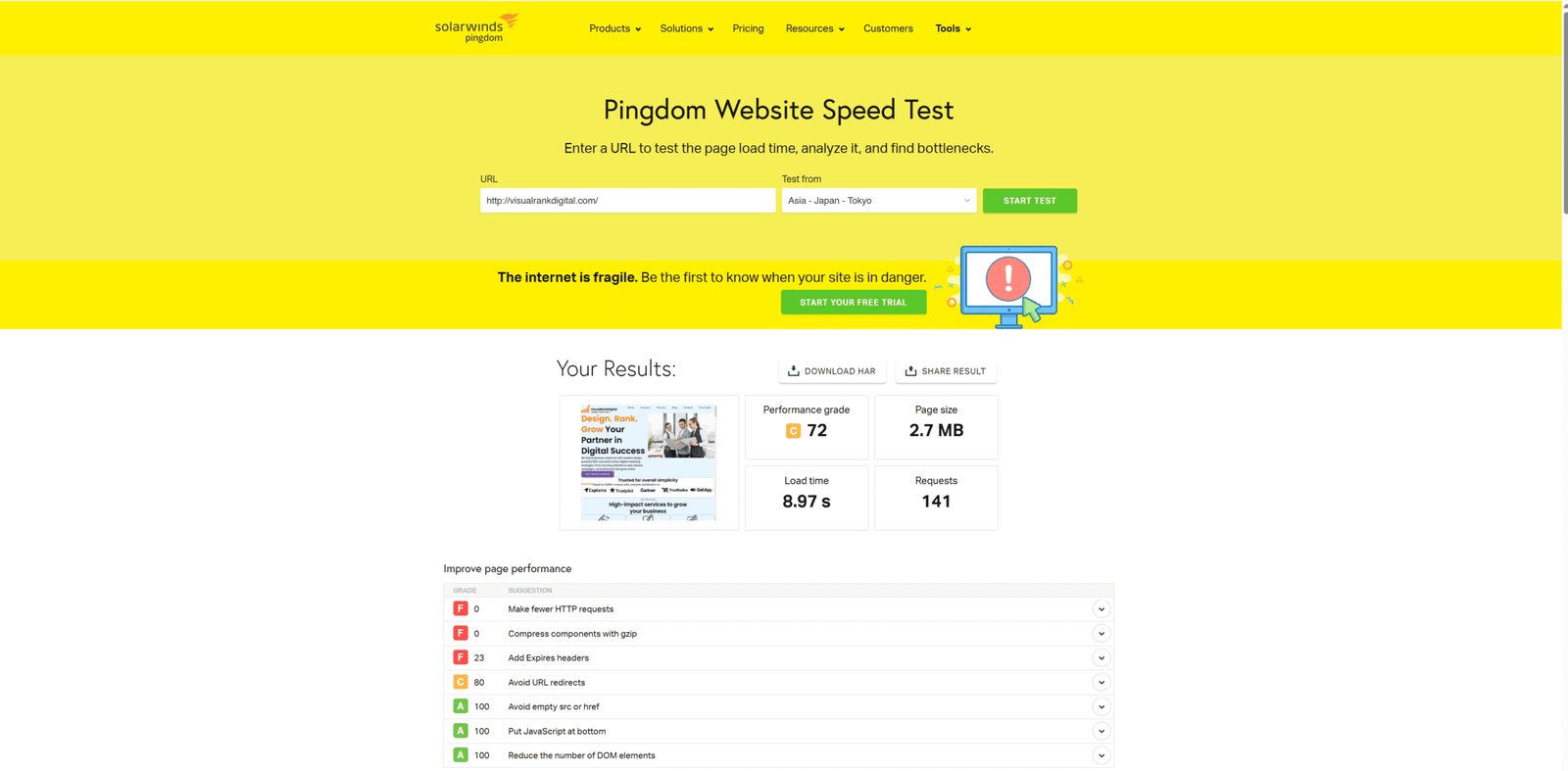
1️⃣ Test Your Website Speed
Start by measuring your current performance.
Use free tools like:
2️⃣ Optimize Images Automatically
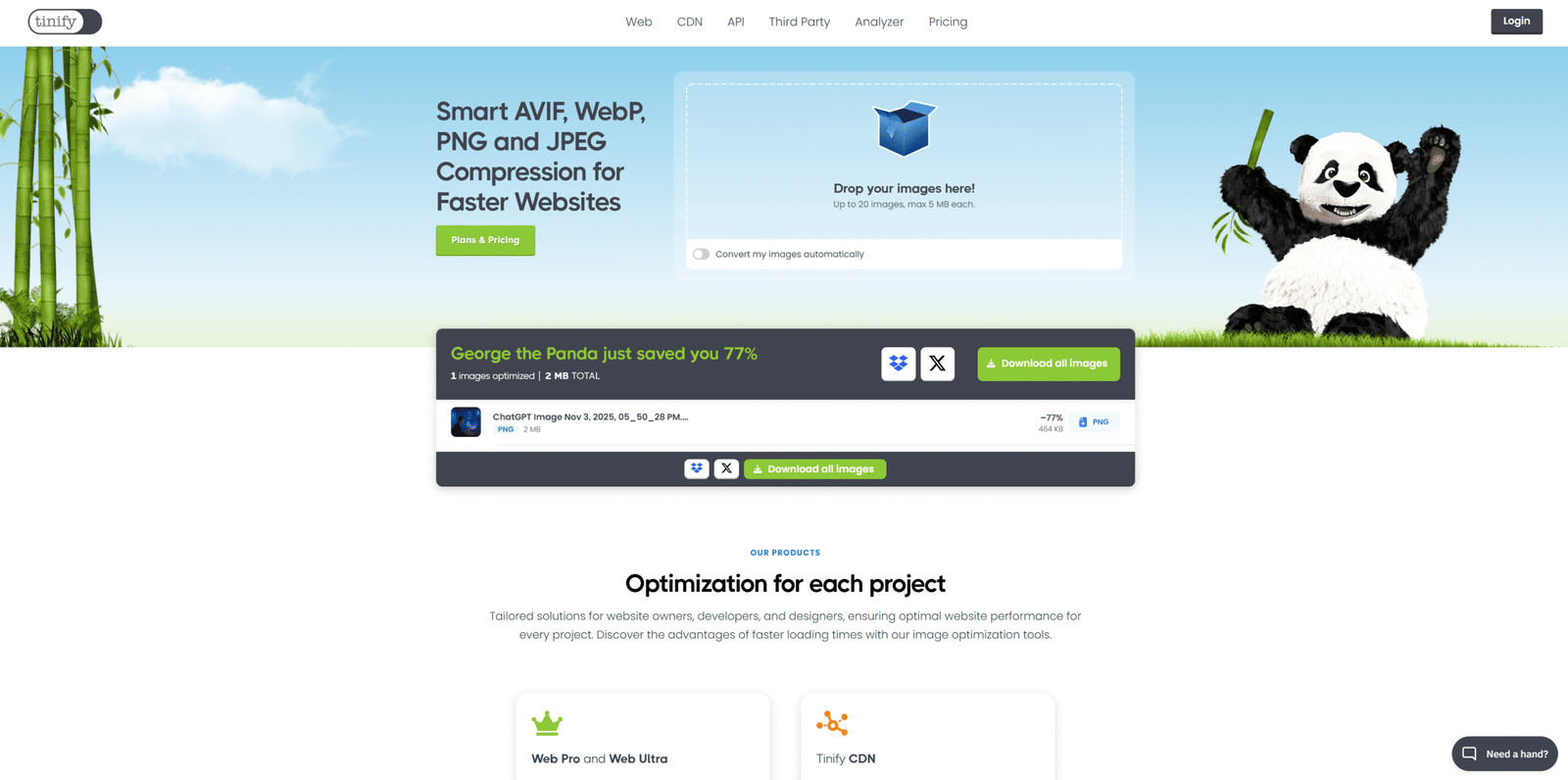
Large, unoptimized images are one of the biggest speed killers.
Use free compression tools — no design skills or code needed:
- TinyPNG – compress images up to 80%
- Squoosh.app – adjust quality visually
- ShortPixel – bulk optimization plugin (WordPress)
💡 Tip: Always use WebP format for lighter images.
3️⃣ Use a Free CDN (Content Delivery Network)
You can activate caching via plugins or your hosting dashboard:
- LiteSpeed Cache (for WordPress)
- WP Rocket (Premium)
- SiteGround Optimizer
Caching stores static versions of your site for repeat visitors — no coding required.
5️⃣ Remove Unused Plugins and Fonts
Every unnecessary plugin or script adds extra load time.
- Deactivate what you don’t use.
- Prefer Google Fonts with local hosting.
- Use lightweight themes like GeneratePress or Astra.
6️⃣ Lazy Load Images and Videos
Lazy loading means media loads only when users scroll down to it — dramatically improving speed. Most modern platforms (WordPress, Webflow, Wix) offer built-in lazy loading.
7️⃣ Use AI-Powered Optimization Tools
Modern AI tools make optimization automatic:
- NitroPack – auto-compress & minify assets
- SpeedSize AI – optimizes media delivery
- Cloudflare APO – smart caching for global visitors
🧠 Internal link idea:
Read our post on AI Tools Every Designer Should Try for more automation tips.
🎯 Conclusion
Improving your website speed doesn’t require technical skills — just the right tools and habits. A faster website means:
- Better SEO performance
- Happier visitors
- More sales & conversions
If you’re ready to take it further, our experts can help you analyze and boost your site performance.
👉 Check out our Website Optimization Services to make your site lightning fast today!